
Home » SG » Corporate Services » Entity Management » Knowledge Hub Entity Management Platform » How do I create and access my account
How do I create and access my account?
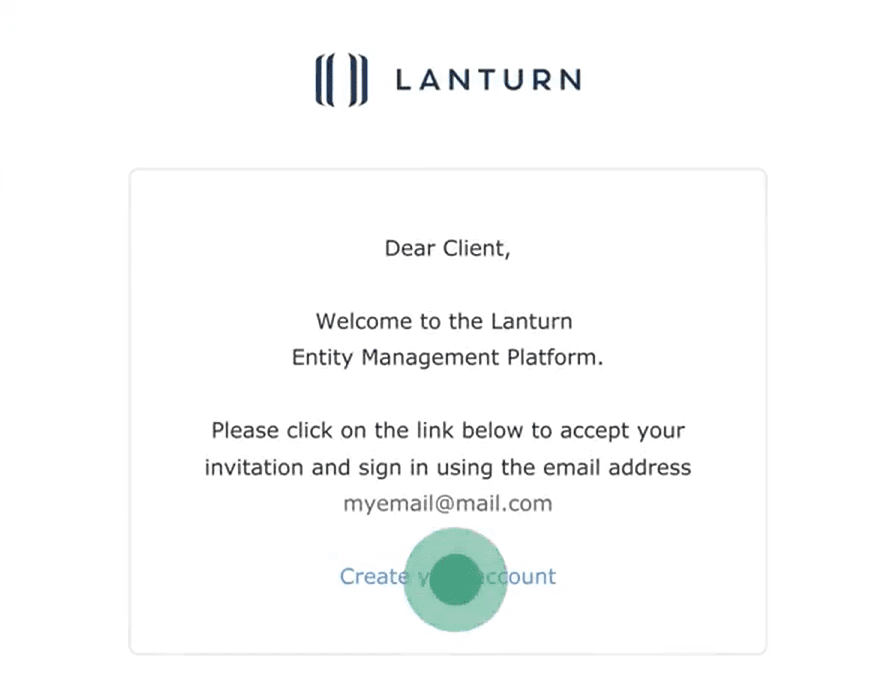
If this is your first time accessing the Lanturn Entity Management Platform, check your inbox for an invitation email from Lanturn and click on the link to activate your account. You can choose to sign into your account via Google or by setting up a password for your account. If you didn’t receive your invitation, check your spam/junk folder or contact your Client Success Associate to resend it.
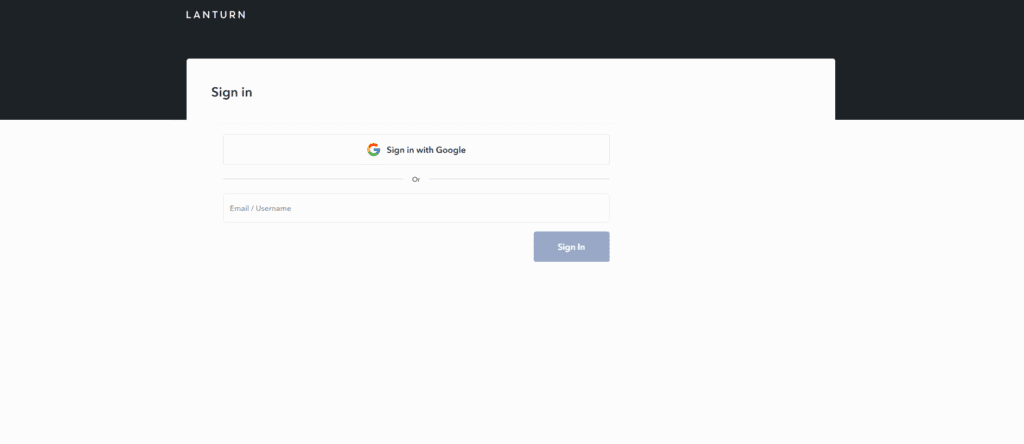
Visit lanturn.com. Hover over to “Login” on the navigation menu and click on “Lanturn Entity Management Login”. Sign in using your email and password. If you have activated your account via Google, select “Sign in with Google”.