
Home » SG » Corporate Services » Entity Management » Knowledge Hub Entity Management Platform » How do I change my account password
How do I change my account password?
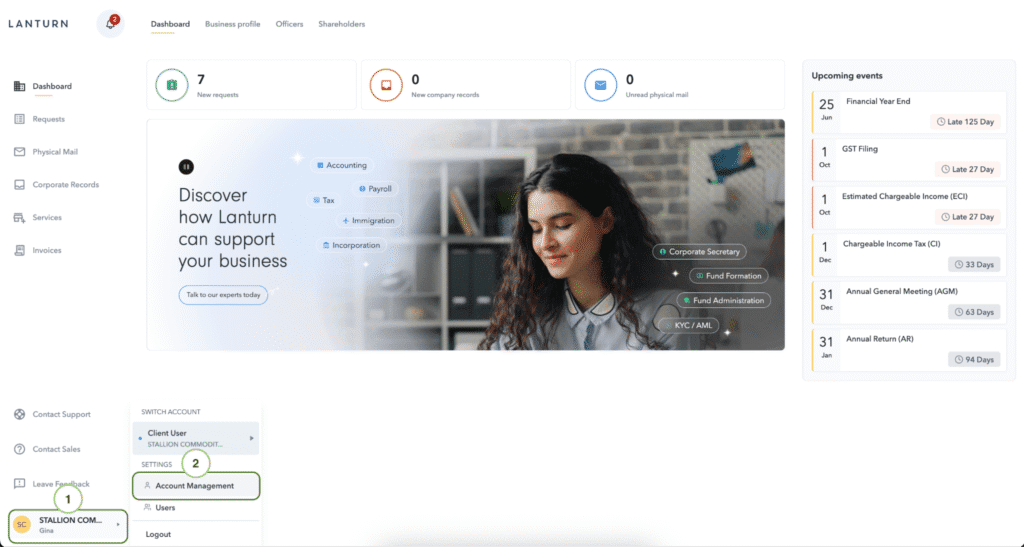
You can access your account settings by clicking on the account button on the bottom left corner followed by “Account Management”.
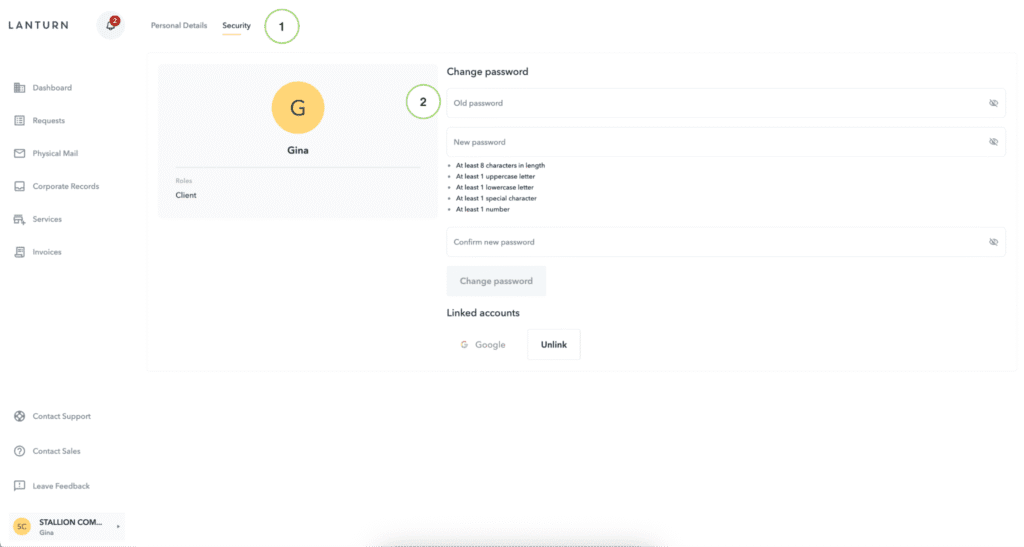
Select “Security” tab at the top of the page and input your old and new password.