


Home » SG » Fund Services » Knowledge Hub Fund Services Platform » How are documents organized and accessed
How are documents organized and accessed?
Documents are categorized by type:
- Fund-level: audited financial statements, General Partner (GP) reports
- Investor-level: capital calls, distributions, NAV individual statements
Each authorized user will only have access to their respective files based on permissions.
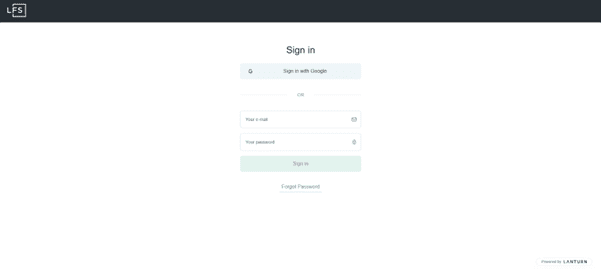
Log in to the platform
On the main page, navigate to the Overview section (usually the default landing page after login).
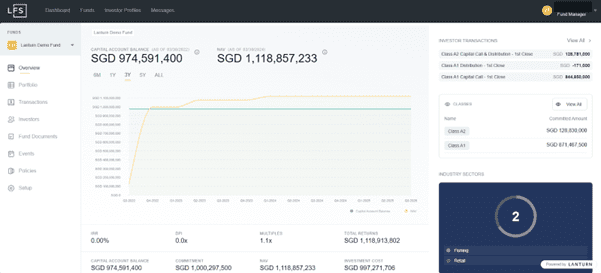
In the left sidebar menu, click on “Fund Documents”.
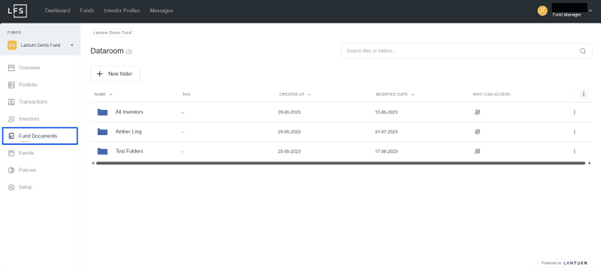
You will see the Dataroom with folders and files available. Browse or use the search bar at the top right to find specific documents or folders.